BUG REPORT
paper minecraft unblocked
Players who enjoyed paper minecraft unblocked also loved these












Hot titles being played across the platform
 HOT
HOT
 HOT
HOT
 HOT
HOT
 HOT
HOT
 HOT
HOT
 HOT
HOT
 HOT
HOT
 HOT
HOT
 HOT
HOT
 HOT
HOT
 HOT
HOT
 HOT
HOT
 HOT
HOT
 HOT
HOT
 HOT
HOT
 HOT
HOT
 HOT
HOT
 HOT
HOT
 HOT
HOT
 HOT
HOT
Pick another awesome game and continue playing

















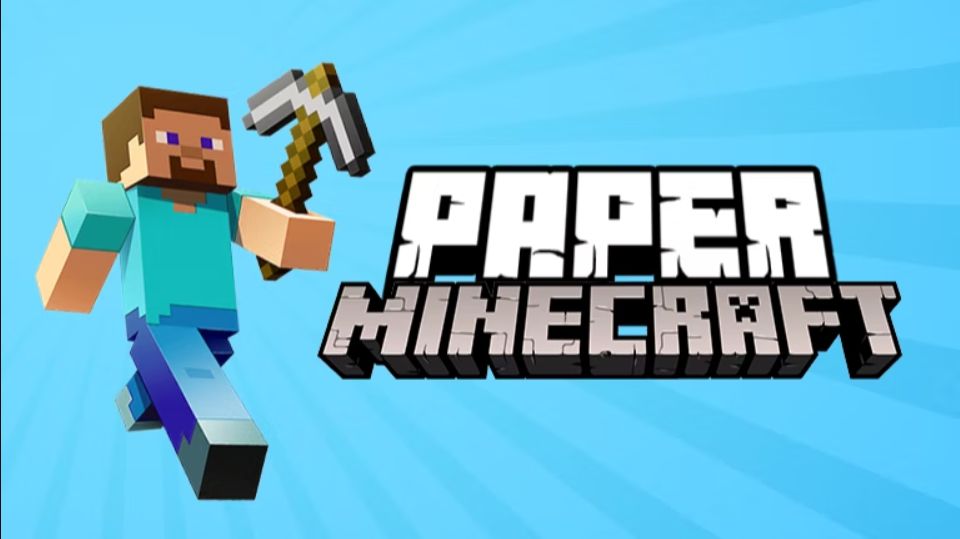
Ever wanted to punch a tree, build a dirt castle, and fight off Creepers without touching a single mod installer? Paper Minecraft unblocked scratches that itch in the simplest way possible — a 2D, side-scrolling take on Mojang's sandbox legend that runs right in your browser. Instead of a full 3D world, you get a charming paper-flat Minecraft where every block, mob, and crafting recipe is squeezed into two dimensions. It sounds weird until you try it — then you realize you can speedrun a diamond pickaxe in under ten minutes.
This is exactly the kind of pick-up-and-play title that keeps students and office escapees coming back to g+ unblocked games during breaks. No downloads, no Java, no waiting. Just click, spawn, and start surviving. Whether you're nostalgic for the original or just want a fast sandbox fix, Paper Minecraft delivers the core loop — mine, craft, build, survive — in a format that loads instantly on school Chromebooks and library PCs alike.
Your goal is straightforward: survive, gather resources, and build whatever your imagination cooks up. You spawn in a procedurally generated world with a few hearts, an empty inventory, and a hunger bar that will absolutely ruin your day if you ignore it. Punch trees for wood, craft a workbench, and work your way up the tool tiers — wood, stone, iron, diamond. Nightfall brings hostile mobs, so either build a shelter or get comfortable with respawning.
Controls are intuitive and split cleanly between desktop and mobile:
Progression follows the classic Minecraft recipe tree, so anyone familiar with the original will feel right at home. Newcomers pick it up in about two minutes.
1. Rush stone tools before nightfall. Wood tools break fast and hit weak. Grab at least 20 cobblestone in your first hour so you can craft a stone sword, pickaxe, and axe before the first Creeper shows up.
2. Build a "panic tower" instead of a base. If you're getting swarmed, pillar straight up with dirt blocks. Mobs can't climb, and you can wait out the night safely while planning your next move.
3. Never dig straight down. This is the oldest Minecraft rule for a reason. You'll either fall into lava or land in a mob-filled cave. Dig in a staircase pattern to stay safe and find ores faster.
Bonus tip: if you're playing on a shared computer at school, bookmark your favorite games unblocked cool math mirror so you can jump straight back in without hunting through search results.
Yes — the browser version is completely free and requires no account. Just load the page and start playing. Some portals host it alongside other g+ unblocked games, so you can hop between titles without leaving the site.
Absolutely. The game uses touch controls with an on-screen D-pad and tap-to-interact system. It runs smoothly on most phones and tablets, though a larger screen makes building intricate structures easier.
Most browser versions auto-save your progress locally in your browser's storage. As long as you don't clear your cache or cookies, your builds and inventory should persist between sessions. For safety, avoid clearing site data if you've got a big project going.